Udyam Registration Latitude & Longitude Not Working? Easy Fix (2025)
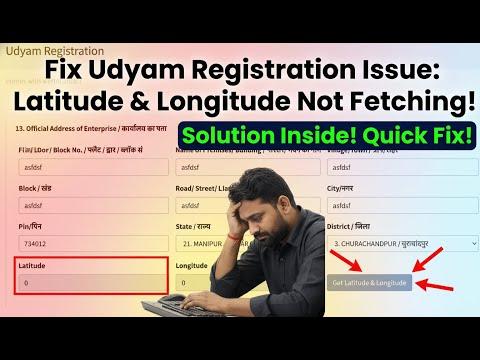
🛠️ Udyam Registration Latitude & Longitude Not Working? Simple Fix (2025 Guide)
If you’re registering your business on **Udyam Registration** and the **latitude & longitude** field won’t fetch your location automatically, this video shows you the exact steps to fix it quickly — without confusion. Whether you’re stuck because the button is disabled or the map won’t respond, this tutorial walks you through each solution clearly. :contentReference[oaicite:1]{index=1}
📌 Why Latitude & Longitude Matter in Udyam Registration
When filling out the Udyam Registration form, your business location’s **latitude & longitude** help verify the exact geographical coordinates of your enterprise. This can be essential for government records, location validation, and compliance. :contentReference[oaicite:2]{index=2}
🧑💻 Step-by-Step Fix for Latitude & Longitude Issues
- Enable Location Permissions in your browser so it can fetch GPS data.
- Refresh the page or restart the browser if the button is disabled.
- Check network access — location services may fail on weak or restricted networks.
- Try a different browser (Chrome/Edge) if the current one blocks location access.
- Enter coordinates manually if automatic fetching still fails.
Following these steps ensures that the **“Get Latitude & Longitude”** button works correctly, avoiding delays in your Udyam registration. :contentReference[oaicite:3]{index=3}
💡 Tips & Precautions
- Make sure your device’s GPS/location settings are turned on.
- Clear your browser cache if location services conflict.
- Manual coordinates entry (from Google Maps) can be a quick workaround if auto-fetch continues to have issues.
This guide helps you resolve common issues with the latitude and longitude feature so you can complete your Udyam registration smoothly. :contentReference[oaicite:4]{index=4}